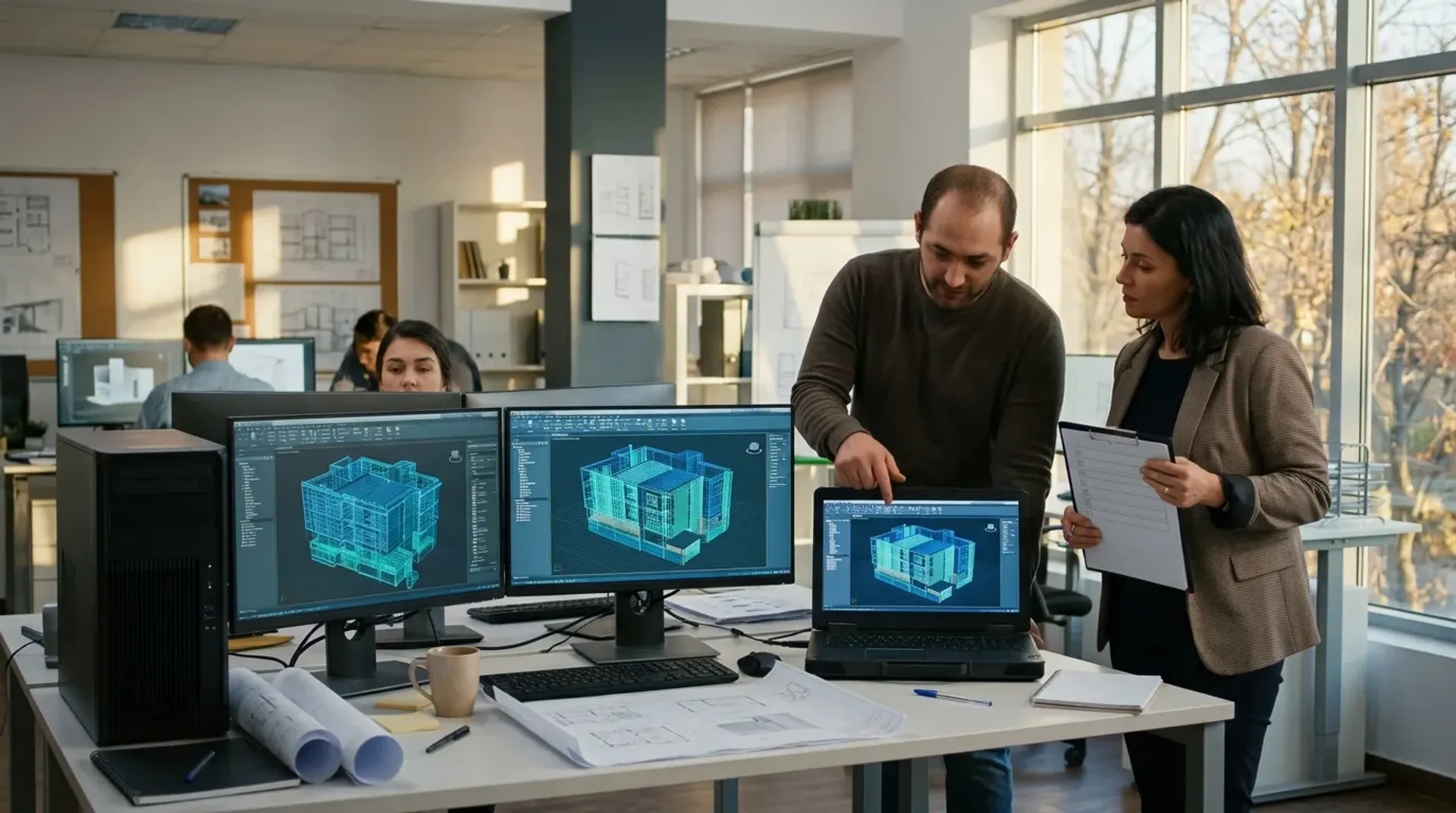
The cheapest time to replace a design workstation is before it fails. The second cheapest is when you know exactly what the person using it needs. Budget season is a good moment to do both.
Why Plan Hardware Before the Computer Dies?
When a computer dies unexpectedly, the usual response is to get a replacement the same day. That generally means consumer gear from a retail store, often $1,200 to $2,500 per machine, and it tends to arrive with software nobody asked for.
Business-grade hardware bought on a planned refresh cycle is usually cheaper over its life and lasts longer. It also arrives when you want it, not in the middle of a submission week.
For an AE firm the bigger cost is rarely the machine. It is the designer who cannot open the model while a deadline approaches.
What Makes a Computer Right for Revit or AutoCAD?
AutoCAD, Revit and SolidWorks need specific things: a dedicated GPU, fast storage and the right amount of RAM. A machine that scores well on a general benchmark can still be painfully slow when it renders. Hardware should be specced against the work people actually do.
A few questions get you most of the way there:
- What are the largest project files this person opens? Check a few real ones.
- Do they model, render, or mostly review and mark up drawings? A Bluebeam-heavy reviewer does not need the same machine as someone building a large Revit model.
- Where do they work? In the office only, at home sometimes, on site?
- How old is the machine now, and what has the user complained about?
The answers usually split your team into two or three groups. That is easier to budget than ordering one standard machine for everyone.
Is a Gaming Laptop a Good Shortcut?
It can be. Gaming laptops often cost considerably less than business laptops with a comparable discrete GPU.
The brand and the warranty matter more than the spec sheet. We recommend Lenovo Legion machines with an extended Lenovo warranty. Consumer brands without an extended warranty can work, but they are hit and miss, and warranty support can be difficult to deal with or slow to turn around. Every day the laptop is away for repair is a day that designer is not working on their projects.
There are also trade-offs to plan around:
- Battery life is roughly 1 to 3 hours under load, so expect to work plugged in.
- They weigh 5 to 8 lbs, which is not a pleasant thing to carry to a site meeting.
- The compact chassis can cause thermal throttling, so the machine slows itself down when it is working hardest.
If someone works mostly at the office, a properly specced desktop with remote access is still the better answer. They get full power at their desk and can still reach their files and sessions from home. For people who need that power on the move, a well-chosen gaming laptop with a good warranty is a sensible way to get it without paying business-laptop prices.
What Happens When the Spec Is Wrong
A principal at a design firm ordered the same employee three computers over a few months. The first did not have enough RAM. The second had the wrong GPU. The third, the most expensive model, finally worked.
That meant three purchases to get one right, plus weeks of lost productivity and a frustrated employee. Nobody made a careless decision. The spec sheets all looked reasonable. What was missing was someone who knew how the software behaves on that hardware.
Getting this right the first time is a big part of why firms that work with people who understand AE workflows spend less on hardware overall.
A Simple Year-End Hardware Checklist
- List every workstation with its age and its user's role.
- Mark the machines that are oldest or that users say are slow.
- For each of those, note the biggest files the person works with.
- Group users by workload: modelling and rendering, drafting, review and admin.
- Decide which machines to replace now and which next year, and put numbers against each.
- Schedule the swap between deliverables, not the week before one.
What You Can Do Yourself, and When to Ask for Help
The inventory and the workload grouping are things an office manager can do in an afternoon. They will make any later conversation faster.
Choosing the actual specs is where mistakes get expensive, as the three-computer story shows. If you would like a second opinion, we are happy to look at your list and the files your team works with, and tell you what we would buy and what can wait. There is no pitch attached, and if your current plan looks right we will say so. You can reach us through the contact page, or read more about how we support architecture and engineering firms.